- WhatTheAI
- Posts
- 🛠️ Master the Trending Clawdbot!
🛠️ Master the Trending Clawdbot!
Plus: OpenAI Gives Scientists a Free AI Hub

Welcome to WhatTheAI, your go-to destination for everything artificial intelligence. Dive into the newest breakthroughs, discover the latest AI tools and tutorials, and explore the limitless possibilities of AI. Join us as we navigate the fascinating world of AI together!
Top picks for today:
🎨 Turn your text into catchy presentations
🤖 Trending Clawdbot: Make Your AI Assistant
🖼️ Google Brings AI Image Creation Straight to Chrome
⚒️ AI tools that should be added to your kit
📄 Turn PDFs into Clear Insights with This Smart Prompt
All this and many more - Let's get Started!
🌟Today’s Spotlight: Xpptx
Turn your text into catchy presentations
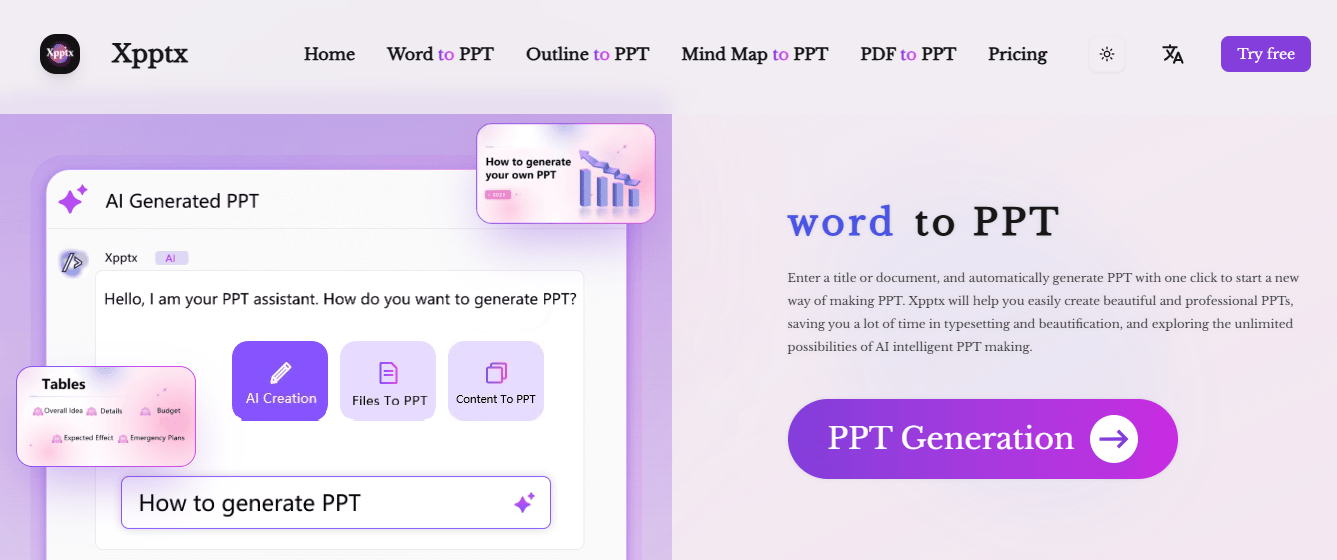
Have a title, some notes, or a document?
Just drop them in, and Xpptx will turn them into a polished, ready-to-use PPT with a single click. It automatically organizes your content, formats the slides, and applies a clean, professional design, so you can focus on your message instead of worrying about layouts or styling. Perfect for work, school, or personal projects.
Master AI: Three Times Weekly
Create Your AI Assistant and Master the Trending Clawdbot

In today’s tutorial, you’ll discover Clawdbot, the most trending AI agent right now. Clawdbot is an agentic AI system that connects seamlessly to messaging platforms like Discord, WhatsApp, Telegram, and Slack. It acts as a personal AI assistant, capable of executing tasks using resources on your computer or server.
In this tutorial, you’ll learn how to:
Install and set up Clawdbot
Choose a model provider to power its brain
Set up a Telegram channel for interactions
Install skills to expand its capabilities
By the end, you’ll have your very own AI assistant ready to handle tasks efficiently across multiple platforms.
Today’s Hottest in AI
🔥 OpenAI Unveils Free AI Workspace for Scientists

OpenAI has launched Prism, a free AI-powered workspace for researchers to write and work together on projects. It combines drafting, editing, collaboration, and preparing papers for publication all in one place using LaTeX, the popular system for scientific documents. Prism is built on the cloud platform Crixet and uses GPT-5.2 to help with writing, equations, references, and context directly inside the project. Anyone with a ChatGPT account can use it for free, while extra AI features may come with paid plans later.
🔎 Quick AI highlights
💬 Google turns search into a conversation
🖼️ Google adds AI image generation to Chrome browser
🤖 Amazon to cut 16,000 roles as it looks to invest in AI
🛠️ New featured tools
🎨 Image-to-Image AI : An AI tool that lets you transform your image style into a completely new one.
⚡ Vibe Architect : A no-code backend for Cursor apps, generated with just one prompt.
🎧 FluentDictation : AI to practice, check, and correct real YouTube English accents; all in one place.
✨ ChatFlowchart : Generate flowcharts and diagrams by simply chatting with AI.
🎨 AI Poster Maker : AI that generates high-quality poster designs from just your idea.
📝 Today's insight
🎨 Apple’s AI Studio: Your Creative Assistant
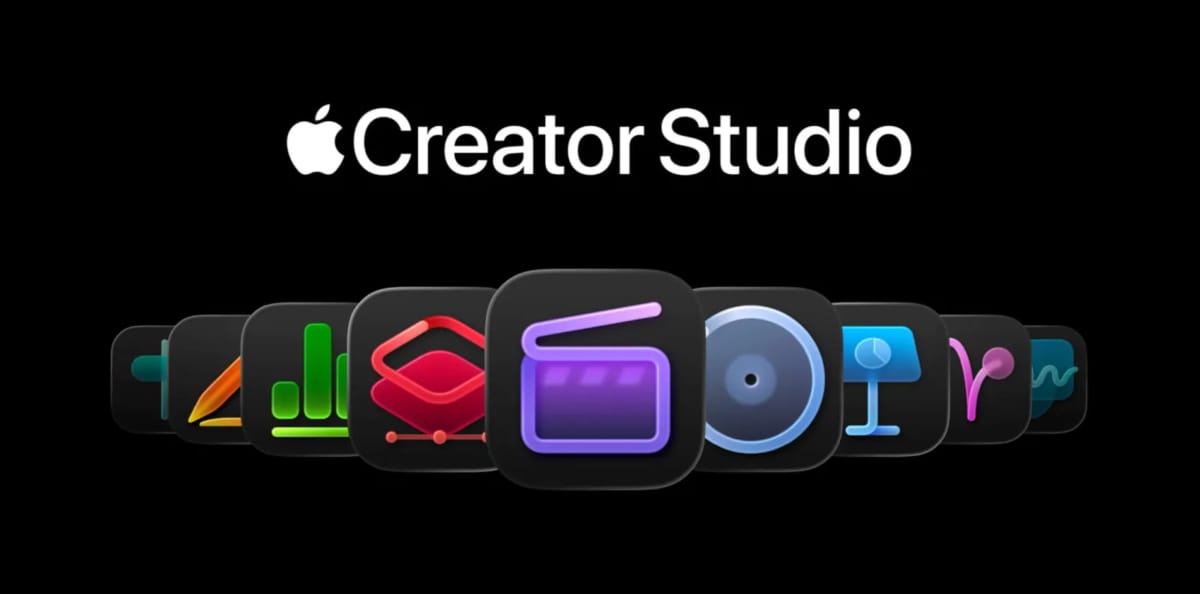
Dive into the new Apple’s Creator Studio Pro ; Apple’s latest creative suite now comes with AI tools that help you work faster and smarter.
From generating slideshows from notes, finding the right video clips, to extracting music notes, these AI features assist your workflow without taking over your creativity. Discover how Apple is making AI a helpful companion for creators, not a replacement.
✨ Prompts Show
📄 Analyze PDFs Accurately and Extract Key Insights

Upload your pdf file and paste this prompt:
"Act as an expert document analyst. Read the uploaded PDF and extract all key information, including headings, tables, dates, names, numbers, and important data. Summarize the content clearly and concisely, highlight insights, patterns, and organize the output for easy reading. If there are tables, convert them into structured text or CSV format. Be thorough and precise, and answer any questions I may ask about the PDF."

✨ Big Thanks for Reading!
That’s all for now! We hope you found this week’s AI highlights insightful.
But the journey doesn’t stop here—our next newsletter will bring you even more step-by-step AI tutorials, the latest updates from the AI world, and powerful new tools to explore. Until then, keep experimenting and discovering the future of AI with WhatTheAI!
Don’t forget to follow us on X , LinkedIn, and Instagram so you never miss an update.