- WhatTheAI
- Posts
- 🤖 Claude + Canva: Design Automation
🤖 Claude + Canva: Design Automation
Plus: Gemini's interactive simulations from text

Welcome to WhatTheAI, where artificial intelligence comes to life. Stay updated on the hottest AI breakthroughs, explore practical AI tools, and follow step-by-step tutorials; all designed to make AI simple and accessible for everyone. Let’s explore the future together.
AI Picks of the Day:
🎬 AI That Works for You as a Motion Designer
🖌️ Claude + Canva: Automate Your Design Workflow
🎮 Create Interactive Simulations with Gemini
⚒️ New AI tools to add in your pocket
🧠 The AI Prompt Formula Behind Winning Ads
All this and many more - Let's get Started!
🌟Today’s Spotlight: Swichy AI
Your AI motion designer
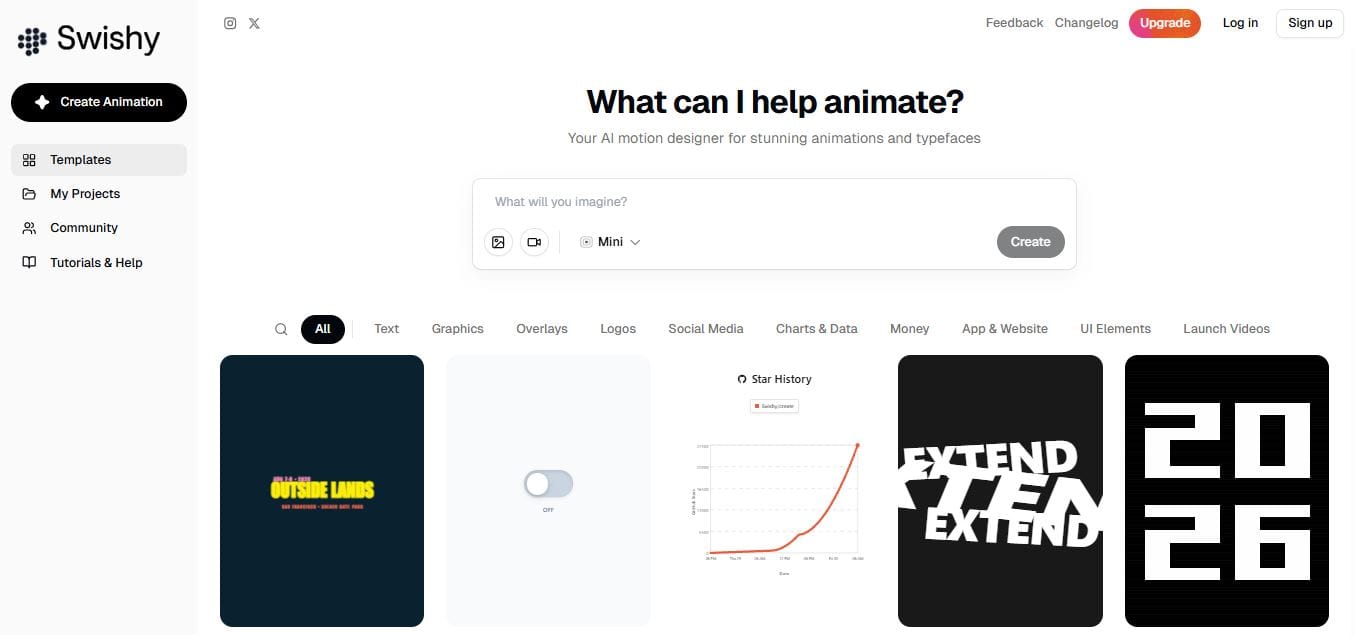
Animate graphics using an AI tool called Swich AI.
You can upload simple visual elements like icons, logos, social media graphics, or charts, then describe how you want them to move or appear.
The tool processes your prompt and generates animations in seconds, turning static visuals into motion-based designs without manual animation work.
Master AI: Three Times Weekly
🎨 Claude + Canva Design Automation Tutorial
Hello everyone 👋
In today’s tutorial; we’ll explore how to connect Claude with Canva to create professional designs using simple prompts; no design skills needed.
What you’ll learn:
• Connect Claude with Canva easily
• Generate carousels, posters, and resumes from text
• Control style with your brand guidelines
• Get instant ready-made designs
• Edit directly in Canva
• Speed up your workflow significantly
By the end, you’ll be able to create high-quality designs faster, save time, and focus more on growing your business
Today’s Hottest in AI
🔥 Build Interactive Simulations with Gemini
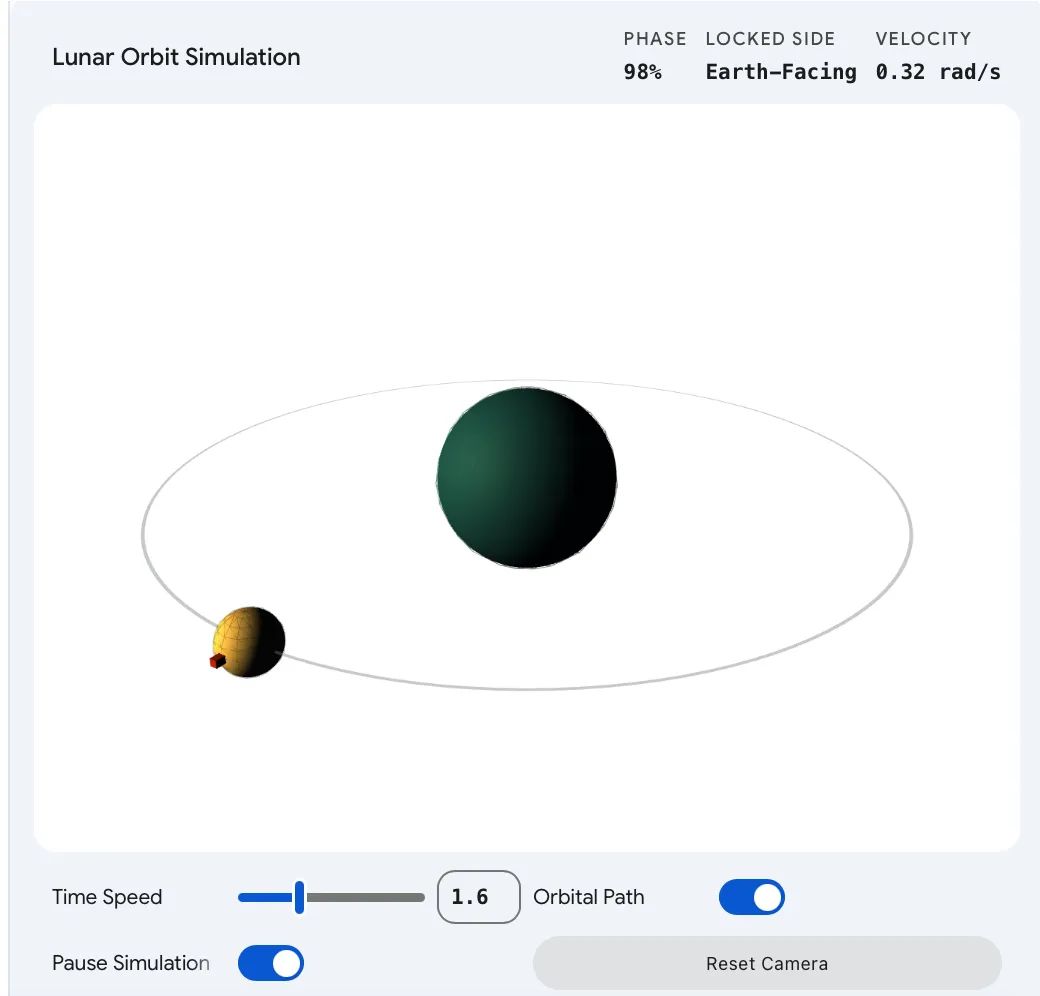
Google’s Gemini can now turn your questions into interactive visualizations right inside the chat, instead of just giving text or static diagrams. Users can explore complex topics like physics or chemistry by adjusting variables and seeing results instantly, making learning more hands-on and intuitive. For example, you can simulate how the Moon orbits Earth and tweak things like gravity or speed to see what changes. The feature is rolling out globally, and you can try it by selecting the Pro model and asking Gemini to “show” or “visualize” any concept.
🔎 Quick AI highlights
⚡ Meta Unveils Muse Spark: Small, Fast, and Built for Scale.
⚠️ Anthropic Says Model Is Too Dangerous to Release.
💸 OpenAI Launches $100 ChatGPT Pro
🛠️ New featured tools
📝 FoundersPlan : AI tool that creates 15+ documents, from business plans to contracts and policies.
🔗 Insightful Pipe : Connects your marketing data to AI assistants, like Claude, and get real-time answers from 35+ platforms.
🎯 Offer Bull : AI interview coach giving live suggestions, guiding clear answers, and letting you practice confidently in a realistic environment.
🖼️ 3DAIStudio : Instantly turns your images or text into high-quality 3D models.
🎙️ Podcast Transcript : AI that converts podcasts into text for easy reading, sharing, and referencing.
✨ Prompts Show
🧠 The AI Prompt Formula Behind Better Ads

This guide shows you how to talk to AI in a better way to generate stronger ad campaigns. It explains that clear prompts with audience, goal, product details, and format help the AI give more useful and effective ad copy. It also encourages testing and refining your prompts to improve results over time.

✨ Big Thanks for Reading!
That’s all for now! We hope you found this week’s AI highlights insightful.
But the journey doesn’t stop here—our next newsletter will bring you even more step-by-step AI tutorials, the latest updates from the AI world, and powerful new tools to explore. Until then, keep experimenting and discovering the future of AI with WhatTheAI!
Don’t forget to follow us on X , LinkedIn, and Instagram so you never miss an update.